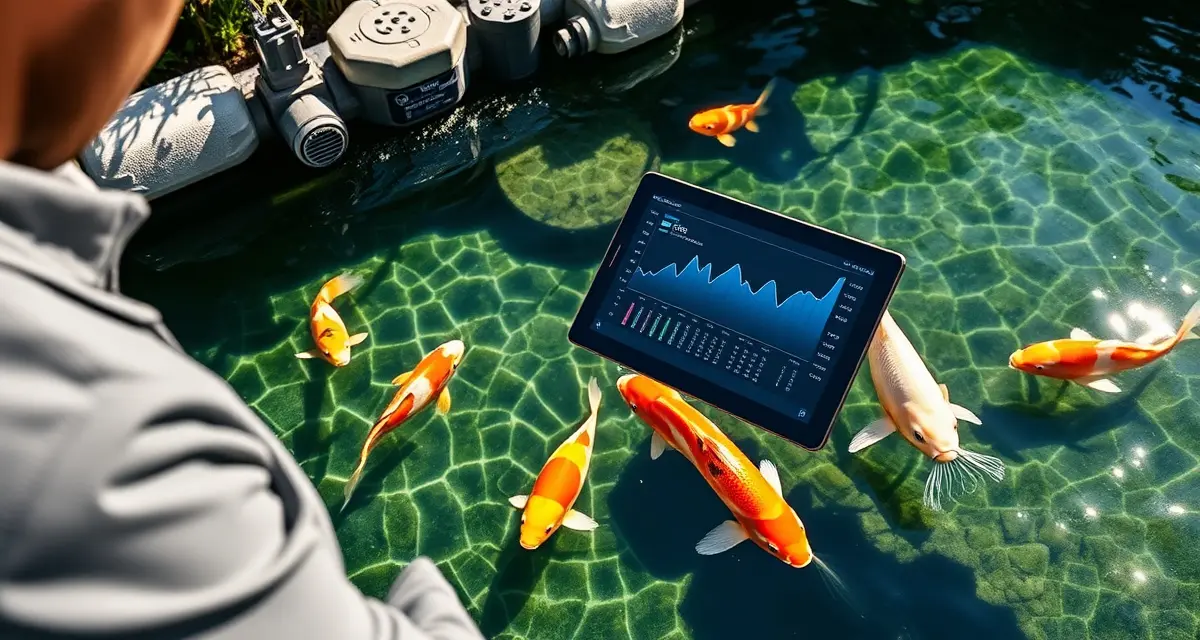
Water Garden Installer Guide: Using KoiQuanta to Support Your Clients
Water garden installers who offer ongoing health monitoring services retain clients 3x longer than those who provide only initial installation. This isn't surprising - an installation business is transactional by nature. The client hires you, you build the pond, the relationship ends. An installer who offers ongoing digital health monitoring becomes a recurring service provider with a monthly touchpoint, a reason for the client to call when something goes wrong, and a differentiation from competitors who only build.
KoiQuanta's installer-branded client portal lets water garden installers provide ongoing health monitoring as a premium post-installation service, with each client pond managed from a single installer dashboard.
TL;DR
- The client has just invested $5,000-50,000 in a water feature.
- Create a client pond profile in KoiQuanta during the installation itself, entering the pond volume, filtration system details, and equipment specifications 2.
- Configure the parameter targets appropriate for the specific pond and intended stocking 3.
- Set up the client's own KoiQuanta account and link it to their pond profile - they can log their own tests, and you see the data 4.
- Schedule a 30-day post-installation check-in to review the pond's parameter history and confirm normal cycling The client has their own access to their pond data.
- This visibility is particularly valuable in the first 60-90 days after installation, when new pond cycling dynamics, fish stocking decisions, and client management habits are all in flux.
- The system scales with your business - a 5-client portfolio and a 50-client portfolio are managed through the same interface.
The Opportunity in Post-Installation Service
Most water garden installers leave significant revenue on the table after the build. The client has just invested $5,000-50,000 in a water feature. They want it to work. They don't know how to manage koi health systematically. They're going to need help eventually - the question is whether that help comes from you or from a random forum post.
The installer who positions digital health monitoring as part of the installation package answers that question before it's asked. "When I install your pond, I set up a KoiQuanta account for your pond, and for the first year, I'll be monitoring your koi pond water quality tracker remotely and checking in monthly to review your fish health. If something looks off in your readings, I'll contact you before it becomes an emergency."
This service offering does three things. It generates recurring revenue. It positions you as the expert partner for the client's ongoing pond relationship. And it gives you early warning of any installation-related issues before they become warranty claims.
Setting Up Client Ponds in KoiQuanta
The KoiQuanta installer plan supports unlimited client pond profiles under a single installer dashboard. Each client pond appears as a separate profile with its own parameter history, fish inventory, and health records.
Client onboarding workflow:
- Create a client pond profile in KoiQuanta during the installation itself, entering the pond volume, filtration system details, and equipment specifications
- Configure the parameter targets appropriate for the specific pond and intended stocking
- Set up the client's own KoiQuanta account and link it to their pond profile - they can log their own tests, and you see the data
- Schedule a 30-day post-installation check-in to review the pond's parameter history and confirm normal cycling
The client has their own access to their pond data. You have an installer-level view of all your client ponds simultaneously.
Remote Parameter Monitoring
For clients who are logging their water quality data in KoiQuanta, you have remote visibility into their parameter trends without a site visit. If a client's ammonia has been trending upward over the past two weeks, you see it in your installer dashboard and can contact them before their fish are showing stress.
This visibility is particularly valuable in the first 60-90 days after installation, when new pond cycling dynamics, fish stocking decisions, and client management habits are all in flux. Early installation-period problems are much easier to address with a phone call than with a warranty service call.
Monthly review practice: A monthly 15-minute review of each active client's KoiQuanta data takes less than an hour for a 4-client portfolio. This review might prompt a message to a client whose nitrate is trending high ("you might want to do an extra water change this week"), which the client experiences as proactive expertise - exactly the value-add that makes them refer you to their neighbors.
Branded Client Experience
KoiQuanta's installer plan supports branded client portals, so the experience your clients see is associated with your business rather than with KoiQuanta as a standalone product. Your business name and logo appear on the client portal. Your contact information appears in the app when clients access their pond data. The documentation generated for clients - parameter reports, health summaries, maintenance reminders - carries your branding.
This matters for positioning. A client who sees "Managed by [Your Business Name]" in their pond monitoring app is seeing consistent reinforcement of their relationship with your business, not a reminder that they could go find KoiQuanta themselves and manage without you.
Your client management guide covers the specific workflow for managing multiple client ponds at scale. The quarantine software overview addresses the quarantine tools relevant for clients who purchase fish after installation.
Frequently Asked Questions
How can water garden installers use KoiQuanta?
Installers use KoiQuanta to provide post-installation health monitoring as a service extension. The practical application: create a pond profile for each installed pond, configure it with the specific pond's parameters, and set up client access so they can log their own water tests. Your installer dashboard gives you a consolidated view of all client ponds. You can monitor parameter trends remotely, alert clients to emerging issues before they become emergencies, and position yourself as the ongoing expert partner for their pond rather than a one-time contractor. The monthly recurring service revenue from a monitoring subscription adds meaningfully to installation-only revenue.
Can I manage multiple client ponds in KoiQuanta as an installer?
Yes. The installer plan supports unlimited client pond profiles in a single installer dashboard. Each client's pond has its own data set, parameter history, and fish records. You see all client ponds in a summary view that shows current parameter status, any active alerts, and any health events requiring attention across your entire portfolio. When a specific client's pond shows an issue, you drill down into that profile for the full context. The system scales with your business - a 5-client portfolio and a 50-client portfolio are managed through the same interface.
Does KoiQuanta have an installer or reseller plan?
Yes. The installer plan is designed specifically for water garden professionals who manage multiple client ponds. It includes unlimited client pond profiles under a single installer login, branded client portal access, consolidated multi-pond dashboard, and the ability to set up client-facing reports with your business branding. The plan is priced for business use rather than individual hobbyist use. Contact KoiQuanta for current installer plan pricing and to discuss whether a reseller arrangement makes sense for your business volume.
What is Water Garden Installer Guide: Using KoiQuanta to Support Your Clients?
This guide explains how water garden installers can use KoiQuanta's installer-branded client portal to offer ongoing pond health monitoring as a premium post-installation service. Rather than ending the client relationship after the build, installers use KoiQuanta to manage multiple client ponds from a single dashboard, track water parameters, and maintain recurring touchpoints. It covers setting up client pond profiles, configuring parameter targets, linking client accounts, and scheduling post-installation check-ins.
How much does Water Garden Installer Guide: Using KoiQuanta to Support Your Clients cost?
KoiQuanta offers tiered pricing for installers managing multiple client ponds. The cost depends on the number of ponds under management and the features required. Installers typically pass the monitoring service cost to clients as part of a premium post-installation care package, creating a recurring revenue stream that offsets the subscription. Contact KoiQuanta directly for current installer pricing and volume discounts.
How does Water Garden Installer Guide: Using KoiQuanta to Support Your Clients work?
During installation, the installer creates a pond profile in KoiQuanta entering volume, filtration specs, and equipment details. Parameter targets are configured for the specific pond and stocking plan. The client is then set up with their own linked account so they can log water tests themselves. The installer sees all client-submitted data through a centralized dashboard, enabling remote monitoring and proactive intervention when parameters drift out of range.
What are the benefits of Water Garden Installer Guide: Using KoiQuanta to Support Your Clients?
Installers who offer ongoing digital health monitoring retain clients three times longer than those who only build. KoiQuanta transforms a transactional installation business into a recurring service model with monthly client touchpoints. Clients benefit from professional parameter oversight protecting a $5,000–$50,000 investment. Installers gain differentiation from competitors, a reason for clients to call when problems arise, and a scalable way to manage many ponds without on-site visits for every check.
Who needs Water Garden Installer Guide: Using KoiQuanta to Support Your Clients?
This guide is designed for water garden and koi pond installers who want to move beyond one-time builds into ongoing service relationships. It's also relevant for pond maintenance companies, landscape contractors who install water features, and any professional looking to add recurring revenue to their business model. Clients who have just made a significant investment in a water feature are the ideal candidates for this monitoring service.
How long does Water Garden Installer Guide: Using KoiQuanta to Support Your Clients take?
Setting up a client on KoiQuanta takes roughly 15–30 minutes during or immediately after installation. Creating the pond profile, entering equipment specs, configuring parameter targets, and onboarding the client account can all be completed on-site before you leave. The 30-day post-installation check-in is a scheduled milestone to review early parameter history. Ongoing monitoring is continuous once set up, requiring minimal time per client while providing significant value.
What should I look for when choosing Water Garden Installer Guide: Using KoiQuanta to Support Your Clients?
Look for an installer-facing platform that supports multi-pond dashboards so you can manage all clients in one place. Branded client portals that present under your company name strengthen your professional image. The ability for clients to log their own tests while you retain visibility is essential. Parameter target customization per pond is important since stocking levels and pond volumes vary. Integration with your existing workflow and responsive support from the platform provider also matter.
Is Water Garden Installer Guide: Using KoiQuanta to Support Your Clients worth it?
For water garden installers serious about building a sustainable business, yes. The one-time installation model leaves revenue on the table and keeps you dependent on finding new clients constantly. KoiQuanta enables a service layer that protects client investments, reduces fish loss incidents that damage your reputation, and creates predictable recurring income. The setup investment is minimal relative to the lifetime value of a retained client and the referrals that come from visible, ongoing care.
Related Articles
Sources
- Associated Koi Clubs of America (AKCA)
- Koi Organisation International (KOI)
- University of Florida IFAS Extension Aquaculture Program
- Fish Vet Group
- Water Quality Association